User Guide
How to Upgrade to Zlinkoo PRO: ETB & USD Crypto Payment Guide
Created on 8 May, 2026 • User Guide • 255 views
The Complete Guide to Zlinkoo Payments. Upgrade to Zlinkoo Pro easily. Step-by-step guide on paying with Telebirr in Ethiopia or using Crypto (USDT/USDC) via Binance, Bybit, Bitget and OKX. Unlock premium bio-link features today.
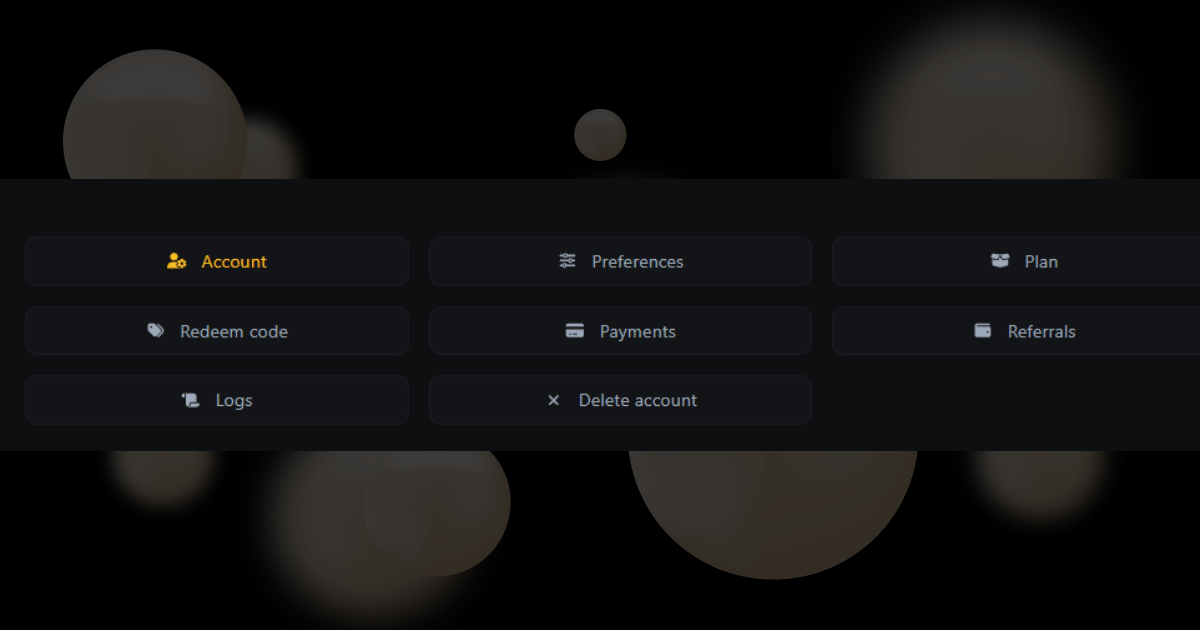
How to Use Your Zlinkoo Profile Menu - Feature Overview
Created on 16 August, 2025 • User Guide • 261 views
The profile menu is the list you see when you click your name. It lets you change your account settings, see your payments, and find your referral link to invite friends. This guide explains every option in the menu so you can keep your account updated and
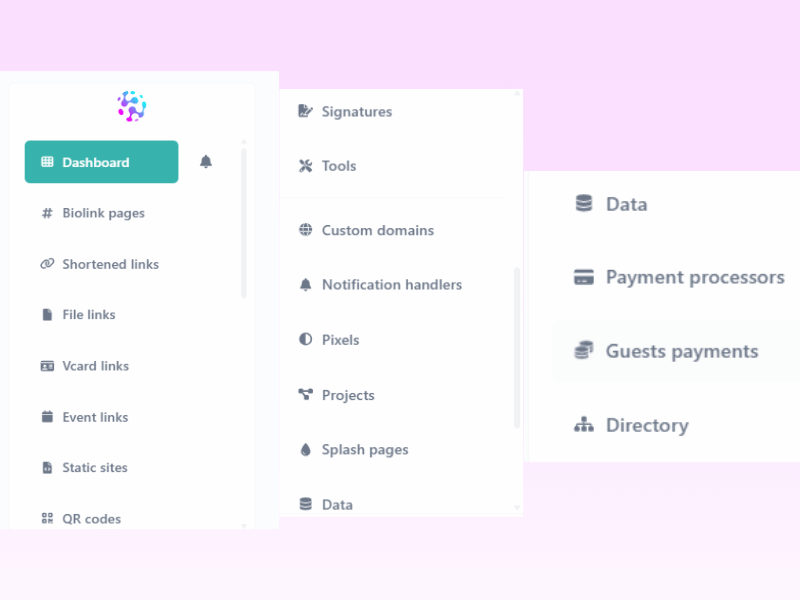
Understanding Your Zlinkoo Dashboard - Feature Overview
Created on 16 August, 2025 • User Guide • 339 views
The dashboard is your main screen. It shows you a list of all your links, QR codes, and files. It also has a simple chart that shows how many people clicked your links today. This post explains what each button on your dashboard does so you can manage your
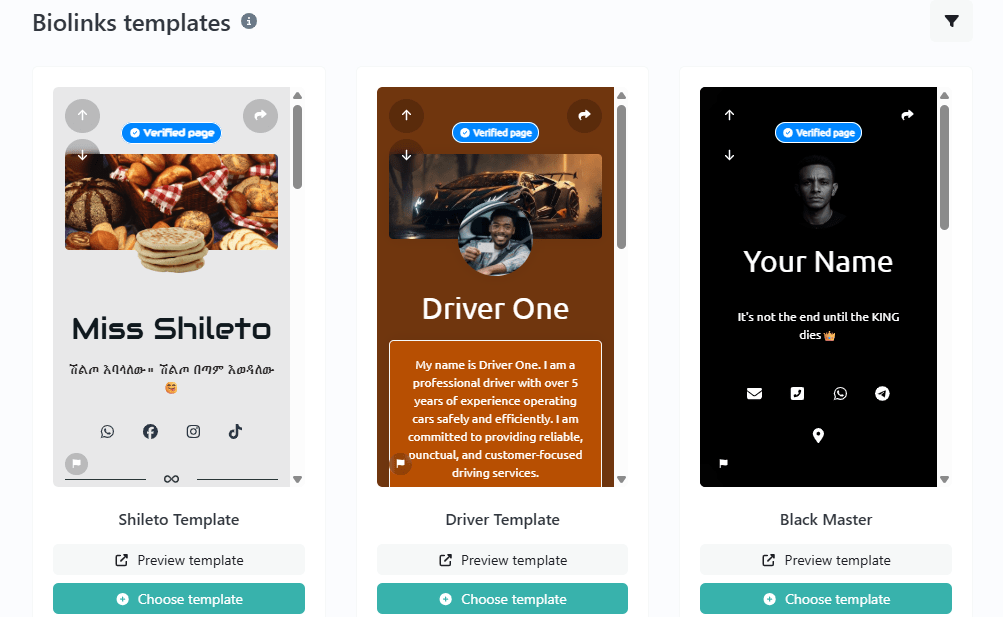
How to Create Your Own BioLink Page on Zlinkoo – Step-by-Step Guide
Created on 14 August, 2025 • User Guide • 4,995 views
Your link in bio is more than just a URL - it’s your online business card, store, and portfolio in one place.