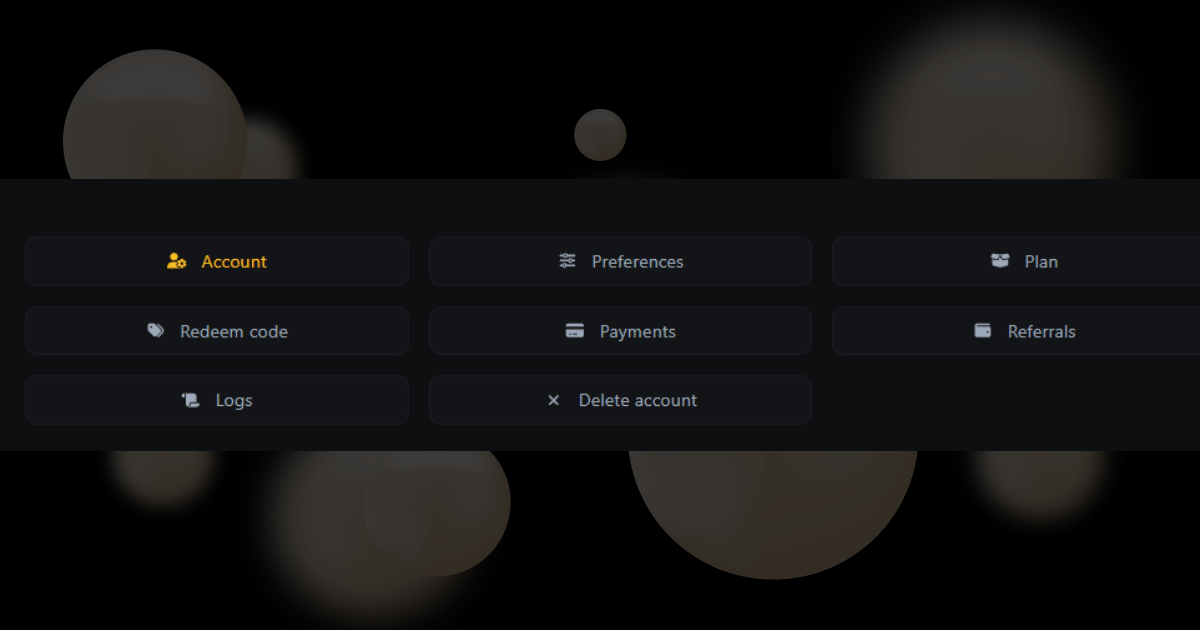
The profile menu is the list you see when you click your name. It lets you change your account settings, see your payments, and find your referral link to invite friends. This guide explains every option in the menu so you can keep your account updated and
Account
- Manage your personal details (name, email, profile picture, password).
- Update login credentials or enable extra security options.
Preferences
- Set different preference for your account related to the site usage
- Adjust default settings and Exclude IPs from being tracked.
Plan
- See your current subscription (Free, Paid, etc.).
- Upgrade, downgrade, Change or Renew your plan.
- Shows limits (e.g., how many biolinks, short links, storage, analytics included).
Payments
- View your payment history (invoices, receipts).
- Update saved payment methods.
- Download invoices for accounting.
Referrals
- Access your referral link/code.
- Invite friends & earn money.
- Track referral stats (clicks, sign-ups, earnings).
Teams
- Invite team members to collaborate.
- Assign roles/permissions (e.g., Admin, Editor, Viewer).
- Useful for agencies or businesses managing multiple bio links.